
4.6 on the App Store · 199 ratings
Know they got there safely.Without the spy-app feeling.
Smart Family Locator is a private, consent-based way to share locations with your family: a private map, arrival and departure alerts, SOS and battery levels.

Free on iPhone and Android · Invitation and consent only
Mia arrived at School
Smart Family Locator · 8:02 AM
Illustration.
Set up in three friendly steps
- 1
Create your circle
Download the app and invite family with a code or QR scan.
- 2
Add your places
Home, School, Work: set the safe zones that matter to you.
- 3
Relax
Get arrival and departure alerts, SOS and low-battery warnings.

“Did she get to school?” Answered.
Set up Places like Home and School once. When she arrives or leaves, you get a gentle alert, with no texts back and forth.
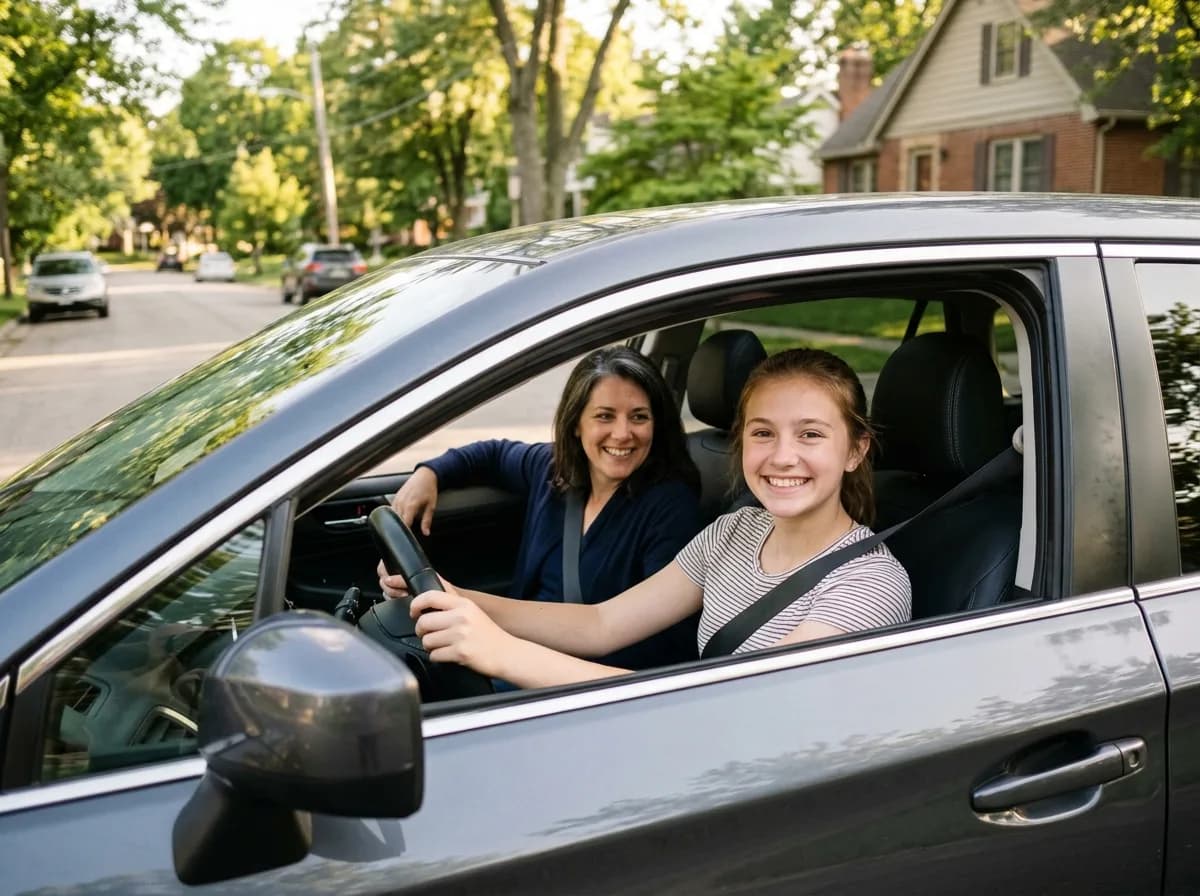
Coach new drivers, kindly
Driving reports show average speed and total distance for each trip, a good starting point for a calm conversation about safe driving.
Peace of mind, built on consent
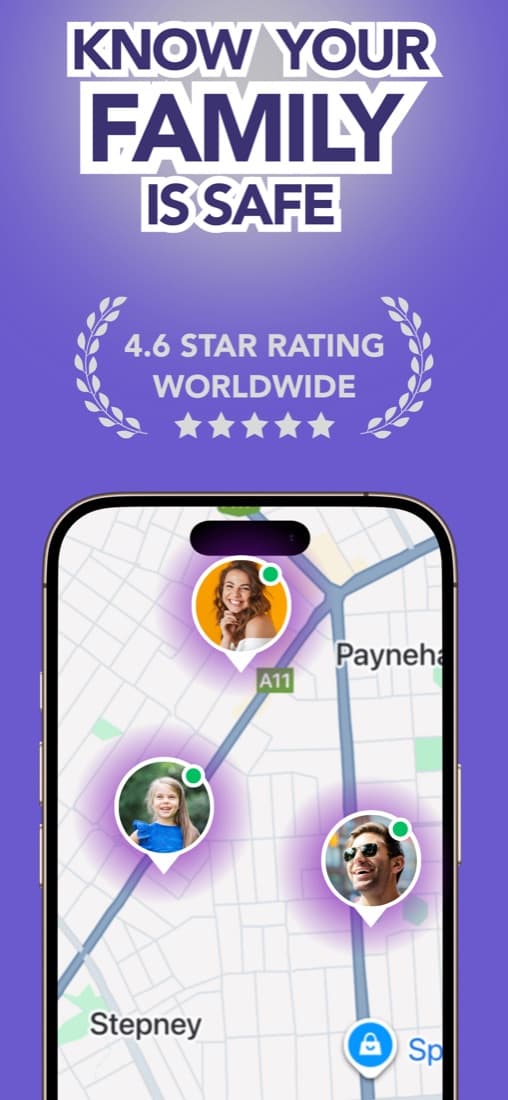
Places & safe zones
Create places like Home, School or Work and get alerts when family members arrive or leave.
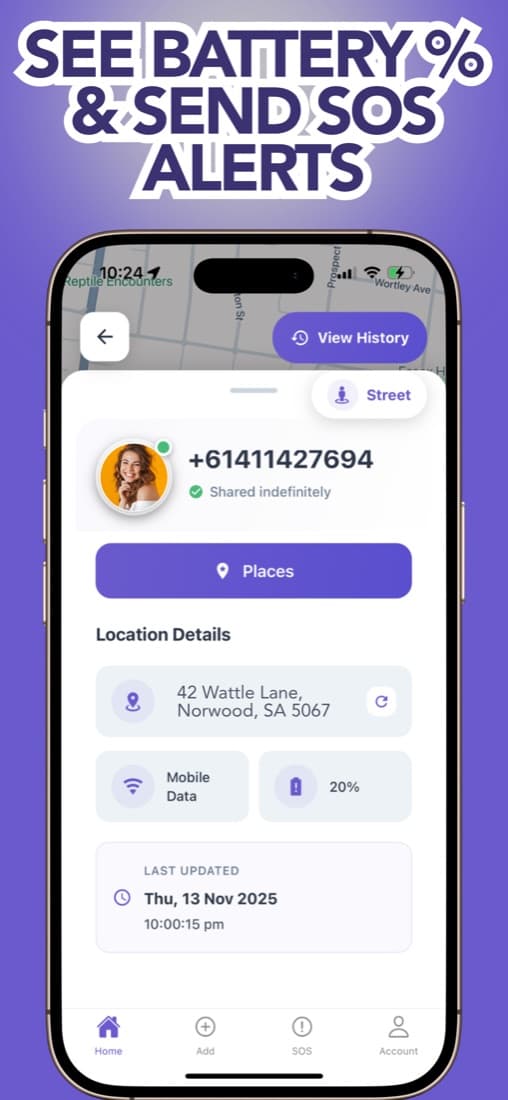
SOS alerts
One tap sends an alert to your family circle with a live location.
Battery levels
See everyone's battery so a phone going offline doesn't cause panic.
Location history
Review the routes taken during the day.
Driving reports
Average speed and total distance per trip to help coach new drivers.
Private by invitation
Members join with a code or QR scan, and you always see who can see your location.
Privacy first
Built on consent, not surveillance
Invitation only
People join your circle with a code or QR scan. No one is added without saying yes.
Everyone can see who sees them
Pending and active requests are listed clearly, for every member.
Not a spy app
No hidden tracking and no reading messages: just locations your family chose to share.

Family safety guides
All guides →Life360 Alternatives: How to Choose for Your Family
Compare built-in location sharing and third-party apps without the hype. Find an option that fits your phones, your budget, and your family’s privacy boundaries.
How to Share Location With Family on iPhone: A Guide
Set up Find My or Family Sharing, include Android relatives, and learn how to stop sharing—with a simple conversation about privacy before you begin.
Questions parents ask
Can I track someone without them knowing?+
No, and we don't think you should. Smart Family Locator works only by invitation and consent; everyone in the circle can see who shares with them.
What can my family see?+
Members of your circle can see each other's location on a private map, places alerts, battery levels and SOS alerts.
Is it good for teen drivers?+
Driving reports show average speed and total distance for trips, which helps you talk about safe driving.
Is it free?+
It's free to download on iPhone and Android. Check the App Store or Google Play listing for current subscription options.

Worry less. Connect more.
Free to download. Invite your family in a minute.